


As e-commerce projects reach a stable level of sales, it’s almost always time to reassess the tools behind them. Shopify is a great platform for a quick launch, but over time its limitations start to hold growth back. When subscriptions for extra apps eat into a meaningful share of profit, and the standard feature set can’t support flexible business processes, the need arises to move to an open, self-managed system.
A Shopify migration is a process that requires a clear action plan, since it involves preserving hard-earned SEO traffic, the customer base, and order history.
Why Online Stores Leave Shopify
Shopify offers a convenient start, but as the business grows, owners of retail and wholesale online stores run into serious limitations. The main reason is financial and technical dependency. Fixed monthly platform fees, transaction fees on third-party payment gateways, and ongoing costs for dozens of plugins add up to a real financial burden. Over time, running such a store becomes more expensive than building an independent system of your own.
The second critical factor is being tightly locked into a cloud service. The store owner has no access to the source code or database, which significantly limits scaling and the ability to add custom functionality. On top of that, data security on a closed platform is entirely controlled by a third-party company.
For many projects, migrating away from Shopify is therefore the only way to regain control over their own digital infrastructure and meaningfully cut operating costs.
Benefits of WooCommerce for Ukrainian Businesses
For the Ukrainian e-commerce market, WooCommerce on WordPress is one of the most flexible and cost-effective solutions. The key advantage of this combination is full ownership of the code and no hidden sales commissions of any kind.
The system’s strengths show up in local integration. Unlike international platforms, WordPress adapts easily to Ukrainian business realities and enables:
- native integration with Ukrainian delivery services (Nova Poshta, Meest, Ukrposhta), including parcel locker selection and automatic waybill generation;
- connection to domestic fiscal software (Checkbox, Vchasno.Kasa) for instant receipt fiscalization;
- a fully custom online store design;
- full access to the source code to build advanced loyalty programs, B2B account portals, and differentiated pricing.
On top of that, ongoing support for a WordPress store is considerably more affordable and straightforward.
Stages of Migrating the Catalog and Data
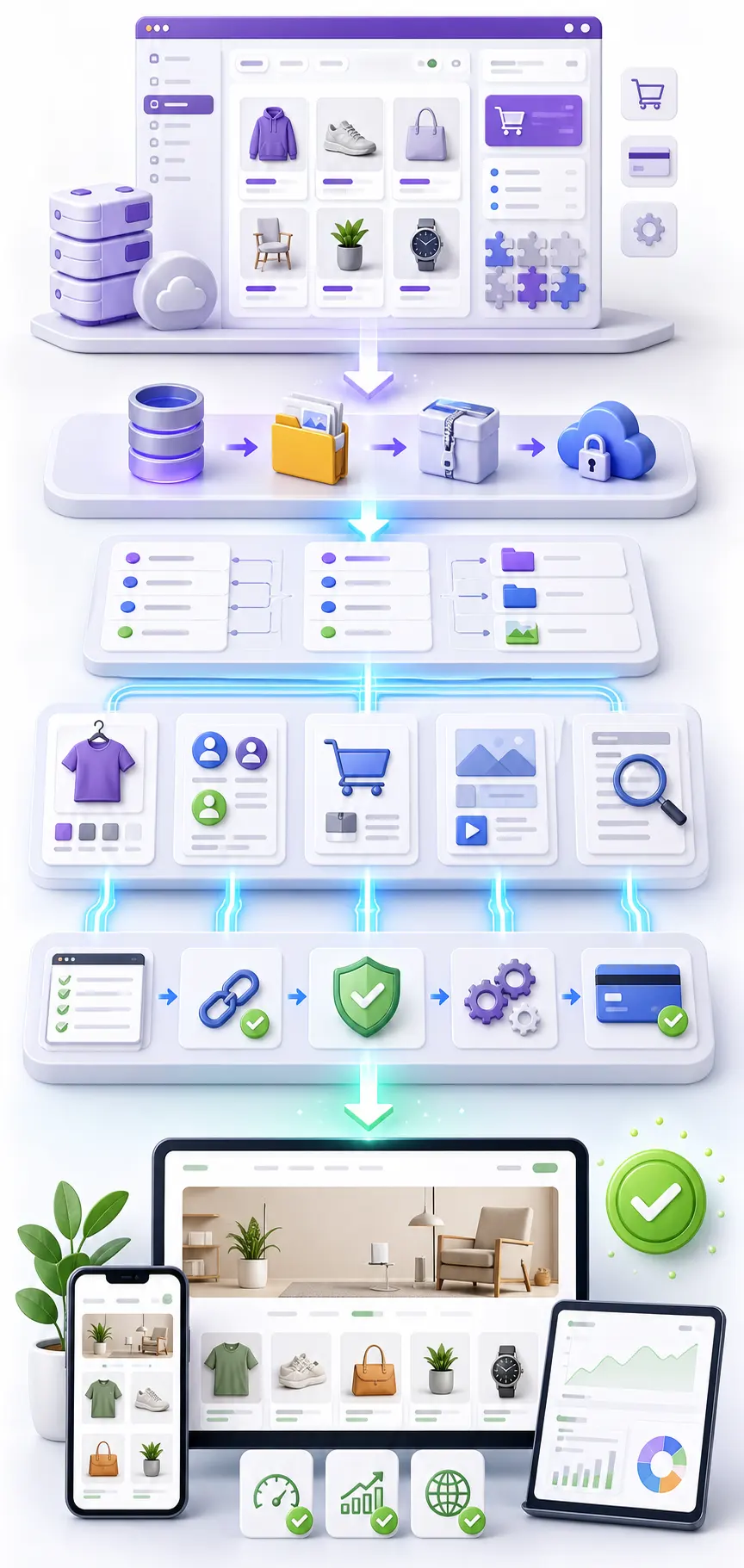
A Shopify migration starts with an audit. The NextDoorCoders team analyzes the current catalog structure, product count, existing attributes, variations, images, and accumulated reviews.
From there, the migration follows this logic:
- exporting data from Shopify via CSV export and API;
- preparing the catalog structure for WooCommerce, accounting for the specifics of the new platform;
- migrating product listings;
- importing the customer base and order history (where technically possible and with consent for data processing);
- verifying that categories, filters, and products are linked correctly.
Specialists pay close attention to preserving URLs and setting up proper 301 redirects. Skipping this step risks losing the search rankings the store has already earned.
Setting Up the Cart and Payment Systems
The next stage of a Shopify migration is configuring the purchase logic. WooCommerce lets you set up custom discount rules, region-based shipping methods, minimum order amounts, or conditions for free shipping.
The following elements are configured to ensure a high conversion rate:
| Area | Technical work |
|---|---|
| Payment system integration | Connecting popular Ukrainian payment processors (Monobank, LiqPay, WayForPay) with one-click payment via Apple Pay and Google Pay |
| Flexible online payment | Setting up installment payments from PrivatBank or Monobank |
| Responsive checkout layout | Optimizing the mobile version of the cart |
| Delivery | Integration with Nova Poshta, Ukrposhta, or other logistics partners |
A NextDoorCoders specialist notes: “We test every payment scenario separately — a successful payment, a cancellation, a partial refund. We check that the customer gets the right notification at every step.”
SEO Optimization After the Migration
SEO optimization is one of the key stages of migration. During the transition, it’s essential to preserve the URL structure or set up proper 301 redirects.
Specialists also review meta tags, headings, internal linking, the sitemap.xml, and robots.txt. Page load speed is analyzed separately.
The main goal of SEO work after a Shopify migration is to preserve search rankings and set the stage for further organic traffic growth.
Testing and Launching the Updated Store
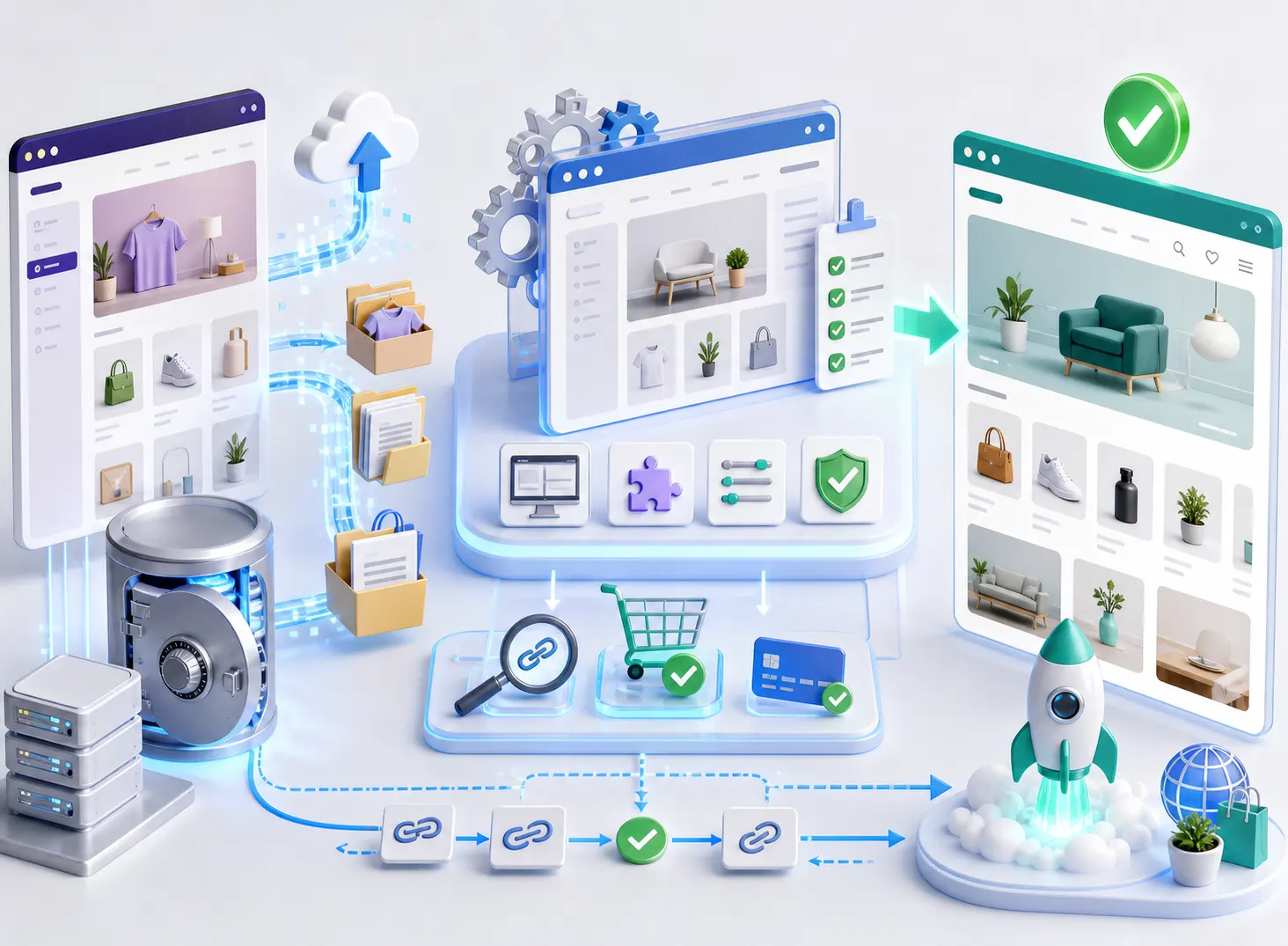
Before pointing the domain to the new server, the store goes through multi-stage testing. The quality-control checklist includes:
- comparing the number of products, categories, and variants between the old and new databases;
- walking through the full customer purchase journey;
- test-syncing with inventory systems, delivery services, and fiscal services;
- verifying that redirects work correctly.
After a final sync of any new orders and customers that appeared during testing, the DNS records are switched over. Throughout the Shopify migration, we transfer the data, configure the functionality, handle SEO continuity, and verify that every module works correctly.
After launch, the team continues supporting the store, helping roll out new features and scale the resource further.
Shopify Website Migration
We migrate your catalog, orders, and SEO rankings without pausing sales — with a clear plan for audit, testing, and launch.
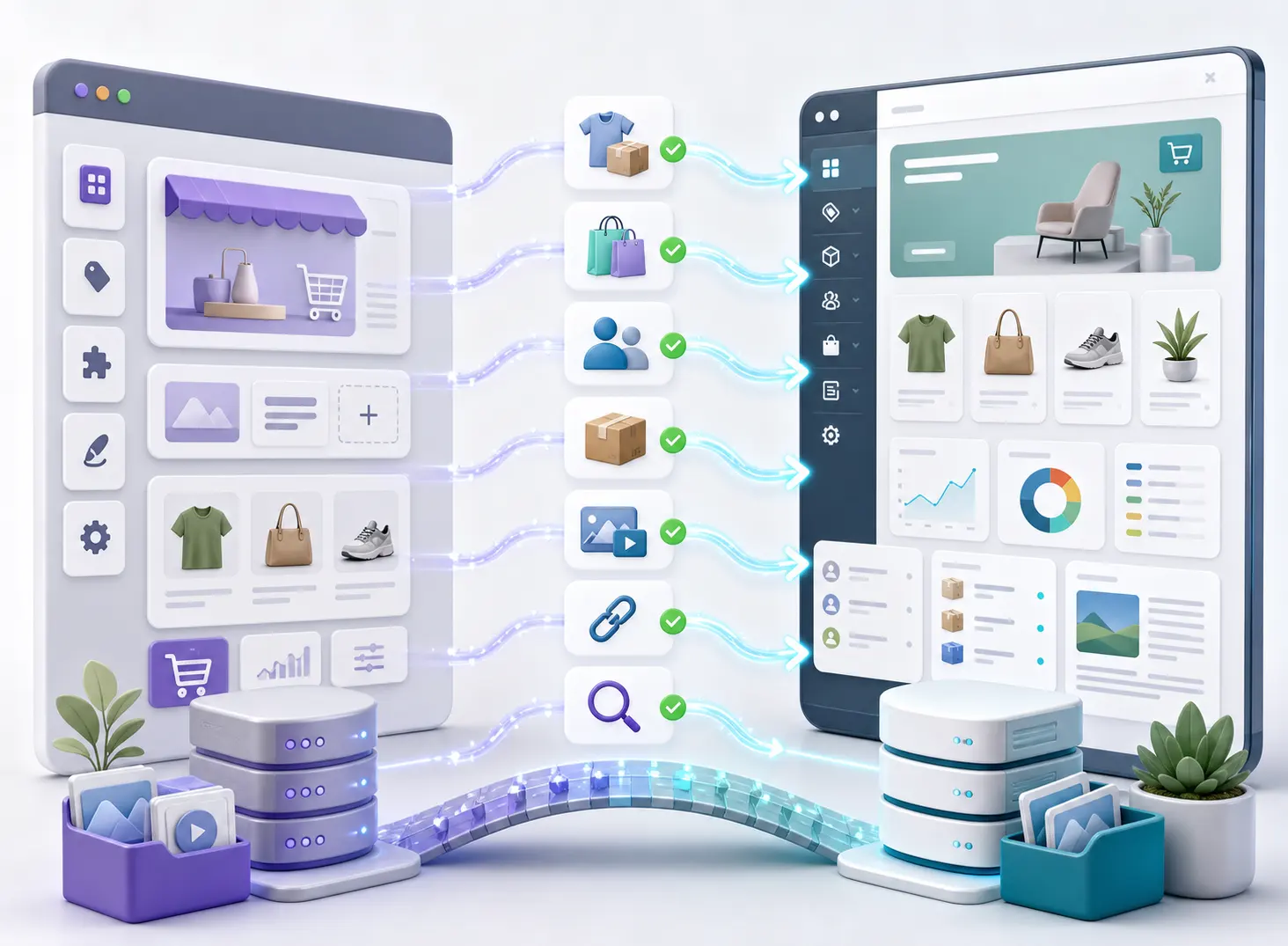
Shopify Website Migration Without Data Loss
What's Included in Migrating Your Store from Shopify
Store audit
We analyze the catalog structure, product count, attributes, variations, and accumulated reviews on Shopify.Data export
We export products, orders, and the customer base from Shopify via CSV and API.Migration
We transfer product listings and set up the catalog, cart, shipping methods, and payments.Payment gateway setup
We connect Ukrainian payment providers such as Monobank, LiqPay, and WayForPay, plus installment payments.Preserving SEO rankings
We set up correct 301 redirects and check meta tags and internal linking.Testing and launch
We test the catalog, customer journey, and shipping integrations before switching DNS records.Who Should Consider Migrating from Shopify
- →Monthly fees and commissions are eating into your profit
- →You need flexible catalog and checkout customization
- →Keeping your hard-earned SEO rankings matters
- →You need integration with Nova Poshta, RRO, or Ukrainian payment gateways
- →Your business is growing and outgrowing Shopify
What Problems Does Migrating from Shopify Solve
High monthly fees
Fixed platform costs and dozens of paid plugins create a constant financial burden.Transaction fees
Shopify charges extra fees for using third-party payment gateways.No access to the source code
Store owners can’t access the source code or database to customize their store.Limited customization
Standard functionality doesn’t allow for flexible business processes or a unique design.Platform dependency
Data security and store operation are fully controlled by a third-party company.Lack of local integrations
No native connection to Ukrainian delivery services, fiscal receipt systems, or payment acquirers.How Shopify Migration Works
Store audit
We review the catalog, products, attributes, and integrations of your current Shopify store.
Data export
We export products, orders, and customers from Shopify via CSV and API.
Migration
We import the catalog and set up the cart, shipping, and payment systems.
SEO support
We set up 301 redirects, check meta tags and internal linking, and help preserve rankings.
Testing
We check the catalog, customer journey, and synchronization with delivery services.
Launch
We switch the DNS records and migrate the store without stopping sales.
Why Choose NextDoorCoders for Your Migration
Shopify Migration Experience
We know Shopify’s limitations in practice and understand how to migrate a store to a new platform without losing important data or sales logic.Data Control
We help you move out of a closed ecosystem and transfer products, customers, orders, media files, and content into a system you control yourself.Adaptation to Business Processes
We do not just migrate the website; we configure the new platform around your sales model, delivery, payments, discounts, and internal processes.Careful Transition
We work step by step: audit, backup, test environment, migration, verification, and launch of the updated store.Ready for Growth
We create a foundation that can scale: new features, integrations, modules, and custom store workflows can be added later.Support and Development
We develop new features, improve existing modules, support store stability, and adapt the website to new business needs. Back-End (development)


 Front-End (web implementation)





 Payment integrations













 Integration with delivery





 Analytics and pixels




 Mailing systems


 Marketplaces, Feeds, CRM, Bots, and Messaging










 Flexible integrations
Turnkey website development from NextDoorCoders — creating quality websites for your business
We have been working with NextDoorCoders since 2023, and during this time we have been convinced of the high level of service provision and professionalism of the team. During this period, we managed to work both together at the sales stage (we closed seo at the development stage, the partner – site development), and as a team on projects, marketing activities, exchange of insights/hypotheses.
Our clients are grateful for the individual approach to each project, which makes cooperation even more effective. After all, the ability to choose a solution and technology and calculate various implementation options makes NDC quite flexible.
Thank you to Volodymyr and his team for quality, responsibility and joint movement towards the result! 🚀
We would like to separately note the ability to find solutions even in complex tasks – this is what truly distinguishes NextDoorCoders from others. The team does not just complete the task, but offers optimal options to achieve the best result. We were convinced of this on joint projects.
Openness to multifaceted partnerships has also allowed us to be active in marketing: implementing joint cases, being active in the infospace, and writing joint publications on social networks.
Such comprehensive cooperation allows us to be more competitive.



We have been working with NDC since the beginning of 2021. We had a task to find developers who would improve the functionality and support our project and several self-hosted websites. It took us a while to find specialists, as we were getting rejected because we were using an outdated framework. However, NDC stepped in to help, and we quickly agreed to cooperate.
At first, we successfully implemented the accumulated pool of tasks, and later we made a number of large-scale improvements together. Of course, as in any workflow, there were some issues that needed to be agreed upon, including task and time tracking and estimating the scope of work. However, thanks to our openness to dialogue and mutual interest, we managed to establish effective cooperation.
Now the volume of tasks for revision is not very large, but all support issues are resolved promptly and professionally. I consider our cooperation to be fruitful. I can safely recommend NDC as web developers. I wish them adequate customers and interesting large projects.
Our company, All-Ukrainian Management Systems, specialises in implementing and configuring business management systems. We help companies automate processes, increase efficiency and scale their operations.
One of the most frequent requests from our clients is the creation of B2B portals that allow them to optimise interaction with partners and customers, automate orders, improve process control, and reduce costs.
In such projects, we rely on our reliable partners, NextDoorCoders (NDC). This team has deep technical knowledge and practical experience in implementing B2B platforms. NextDoorCoders: professionals in their field, responsible, result-oriented, always offering the best technological solutions and effective teamwork.
Cooperation with NextDoorCoders is a guarantee of successful implementation of B2B projects. We confidently recommend them as a partner who does not just perform tasks, but creates effective business tools that bring real results.


About 6 months ago, we needed to finalise our new rentsoft.ua website, which was handed over to us in an unfinished form by our previous contractors. We decided to find a replacement for them, as the speed of task completion and communication were important to us. On recommendation, we were offered to work with NDC. The recommendation met our expectations.
The young team is very flexible in their approach to our requirements and changes in the priority of tasks. The guys are always ready to meet us halfway and, if necessary, prioritise an important task for us.
Constant daily communication and quick turnaround time have always given us a sense of confidence that the project is being handled and that the contractor values its customers.

I’ve been looking for smart and reliable specialists to improve my website for a long time, and I was finally lucky. The challenge was that the website was not developed by professionals and had numerous issues in its code, which made everyone unwilling to review it.
I communicate with Vladimir, and the tasks are solved as quickly and efficiently as possible.
It’s a pleasure to work with such people. Thank you very much!

We have been successfully working with NextDoorCoders since August 2024. During this time, they have provided fast and high-quality support, significantly improving our website’s performance and user experience through professional recommendations and ongoing technical support.



We have been cooperating with the NextDoorCoders web studio since the beginning of 2024. During this time, the studio has established itself as a reliable technical partner who is attentive to the client’s needs. The team regularly provides professional recommendations on improving the site, performs work on SEO-technical tasks and qualitatively refines the functionality.
All tasks are performed on time, with a responsible approach and good communication. In general, we are satisfied with the cooperation and can recommend NextDoorCoders as a competent and convenient contractor.


We have a pleasant experience of cooperation with the NextDoorCoders web studio, which has been helping us with the finalization of the site’s functionality since the end of 2024. The team is always in touch, responds quickly to requests and pays attention to all details. All tasks are performed qualitatively and within the agreed deadlines. We especially appreciate the ability to delve into the specifics of the business and offer appropriate solutions. Communication is easy, open and constructive. We sincerely recommend NextDoorCoders as a reliable partner in the field of web development.

We have been working with NextDoorCoders since 2021.
We ordered the development of a CRM for production process management from them.
The team understands business needs perfectly: they implemented a convenient system for accounting for orders, controlling production, and automating many routine processes. We are constantly improving the functionality together with them.
We recommend them as a technical partner who understands the specifics of production and business processes.

We collaborated with the NextDoorCoders team on the creation of our website and were very satisfied. The work was done quickly, clearly and qualitatively. All our wishes were taken into account, and corrections were made without unnecessary delays.
The team was always in touch, suggesting solutions and helping when we did not understand something. It is very pleasant to work with people who are not only knowledgeable in technical matters, but are also truly interested in the result. Communication was easy and comfortable.
The website works stably, looks modern, and we are already receiving positive feedback from clients. There were no difficulties during the cooperation.
Thank you to the team for their approach and professionalism! We will be happy to contact them again if we have the opportunity.


On behalf of our company, we would like to express our gratitude to the NextDoorCoders team for their cooperation in the implementation of several projects, including the European startup Cooontacts. This product is designed to solve the language barrier problem in Europe – to give businesses the opportunity to find customers in their native language and, conversely, to help people quickly find those who speak their language. The task was not easy, the development environment was quite complex, but all the necessary functions were implemented within the agreed deadlines.
We especially appreciate the team’s readiness for operational improvements: despite the fact that technical and business requirements changed during the work, the guys never refused to make changes and thoroughly understood each task. In addition to the purely software part, they deeply immersed themselves in our idea, offered their own concepts and solution options, which helped to improve the product and avoid many common mistakes.
As a result, we got not just contractors, but reliable partners with whom it is pleasant to work. Thank you NextDoorCoders for your professional approach, flexibility, and responsibility — we look forward to new joint projects.
NextDoorCoders has been providing technical support for our website for a long time. Working with them is convenient: they are always available, respond quickly to requests, and do everything accurately and without unnecessary reminders. We have been working together since 2021, and during this time, we have had no complaints. The team is responsible, attentive to detail, and simply pleasant to communicate with. We recommend them!

We have been working with the NextDoorCoders team for a long time. They were implemented for our website redesign, and now they are engaged in support and implementation of new tasks. Communication is always on the level, they respond quickly, everything is discussed simply.
I like that the team does not just perform the task, but also suggests how to do it more conveniently or efficiently.
Working with them is easy and pleasant. We are happy to have found such a wonderful and responsible team.

We have experience working with the NextDoorCoders team since 2019. We have always been satisfied with the results. They migrated the site and helped with smaller tasks, making the resource look modern and convenient to use. The team always listens carefully to our wishes and offers solutions that really work.
We especially appreciate the speed of response and open communication – this creates a feeling of reliable partnership. Over the years, we have been convinced of our professionalism and appropriate approach to the matter. This is cooperation that can be recommended to others.

We turned to NextDoorCoders to create a website for our nail service courses. They did everything efficiently and on time, and also offered their own ideas that helped improve the result. Cooperation was easy and pleasant – the team was always in touch and communicated openly.
We liked that they cared not only about the completion of the tasks, but also about the overall quality of the project. As a result, we received a modern and convenient website that we were satisfied with. We can recommend NextDoorCoders as reliable partners for any web projects.


NextDoorCoders created a modern, intuitive and functional website for us, which fully meets our business requirements.
All stages of work — from concept development to successful launch into production — were carried out with a high level of professionalism.
We would like to separately note our effective approach to communication, attention to the smallest details and ability to promptly resolve any issues.
After launch, the site remains supported by a team that ensures its stable operation and further development. We confidently recommend NextDoorCoders as a reliable technological partner for the creation and support of web projects.

We, Piranil Company, started cooperation with NDC in September 2025 and have been successfully working on the tasks since then.
The team has proven itself as a reliable partner who does not just fulfill requests, but really immerses itself in business processes.
We especially appreciate that they always offer several solution options and help to choose the optimal one.
Communication is fast, clear and without unnecessary bureaucracy, which greatly simplifies the workflow. There is a sense of responsibility for the result and a desire to do more than just “according to the specifications”. We are satisfied with the cooperation.

NDC developed a corporate website for us for logistics services, and we are completely satisfied with the result of cooperation.
The team professionally performed the layout, taking into account all our wishes.
Since the start of work in 2023 and after the launch – the site has been working stably, and technical support always responds quickly to our requests.
You can feel the responsibility, deep immersion in the project and a real desire to help achieve the best result.
We definitely recommend NextDoorCoders as a reliable partner for the development and support of web projects.

Our collaboration began when the team built our website from scratch in 2019, and they’ve been maintaining it ever since. Not only are they experts in their field, but they also genuinely care about the success of our store. Working with them is easy and a pleasure!


Working with the NextDoorCoders team was a smooth and pleasant experience. They assisted us with development on the OpenCart platform, were actively involved in the project, and were always available to communicate. We appreciated their responsible approach, clear communication, and attention to detail. All issues were resolved quickly and without any unnecessary complications. Thank you for your collaboration, and we wish them continued success and exciting projects!