


What Is a UX/UI Audit and When Is It Needed — Not Just When a Site “Simply Doesn’t Look Good”
A website usability audit is a comprehensive study of user experience (UX) and interface (UI). It is based not on subjective impressions or an assessment of graphic layout, but on real data. The main goal of the audit is to find the barriers that prevent users from completing a target action. How does this differ from a regular design assessment? A professional audit answers the following questions:- why users don’t submit requests;
- where exactly the navigation barrier occurs, at which stage;
- which elements fail to attract attention;
- why conversion is decreasing.
What We Check: From the First Screen to the Payment Form
What is checked when a usability audit is performed? Our team’s specialists analyze:- the logic of the site structure;
- navigation between pages;
- the clarity of the menu and its visibility on different devices;
- the speed of finding the necessary information;
- the placement of CTA buttons;
- the quality of forms and other feedback methods;
- the design of the cart and checkout;
- responsiveness on smartphones, tablets, and TV screens;
- the speed of interface interaction with the user.
| Site element | What exactly is analyzed | Potential problems |
|---|---|---|
| First screen | Clarity of the offer, CTA | The user doesn’t get an answer about what exactly the company offers |
| Menu | Navigation logic | Difficult to find the needed section |
| Catalog | Search, filters, sorting | The customer can’t find the service or product |
| Forms | Ease of filling out | High rate of abandoned requests |
| Checkout | The ordering process | Incomplete purchases |
| Mobile version | Ease of use | Loss of mobile traffic |
Audit Tools: Heatmaps, Sessions, Behavioral Analytics
A professional usability audit combines analysis of available data, user behavior, and an expert UX/UI evaluation. Depending on the task, the available traffic, and access to analytics, this involves heatmaps of page scrolling and clicks, user session recordings, web analytics, event and conversion funnel analysis, A/B testing, UX heuristics, and checks for compliance with modern UI standards. In-depth analytics allow us to precisely identify bottlenecks in the sales funnel, as well as determine exactly which pages cause a decrease in conversion.What the Client Gets: Report Structure and Fix Priorities
What does a client get when ordering a UX/UI audit from us? We provide not just a list of pages, but a detailed plan for improving the site and increasing profitability. The report contains:- a description of the problems found;
- an explanation of how each element affects conversion;
- screenshots;
- recommendations for fixing the issues;
- a priority assessment for each item;
- the expected effect of the changes.
How a Usability Audit Impacts Conversion — Real Cases
Typical results after implementing changes and recommendations:- a reduction in bounce rate;
- increased time users spend on the web resource;
- an increase in the number of leads;
- an overall increase in conversion;
- an increase in average order value;
- improved behavioral signals and SEO.
Questions and Answers
How does a usability audit differ from an SEO audit? An SEO audit is more focused on evaluating technical optimization and the site’s visibility in search engines, while a UX/UI audit evaluates the usability of the web resource. How long does the analysis take? This is calculated individually and depends on the scale of the site. Naturally, an online business card site and a large online store will require different amounts of time for a full analysis. Does the UX/UI audit work for mobile versions? Yes, it covers mobile versions of websites as well.Order a website usability audit
Find out where and why users leave your website — and what to do about it
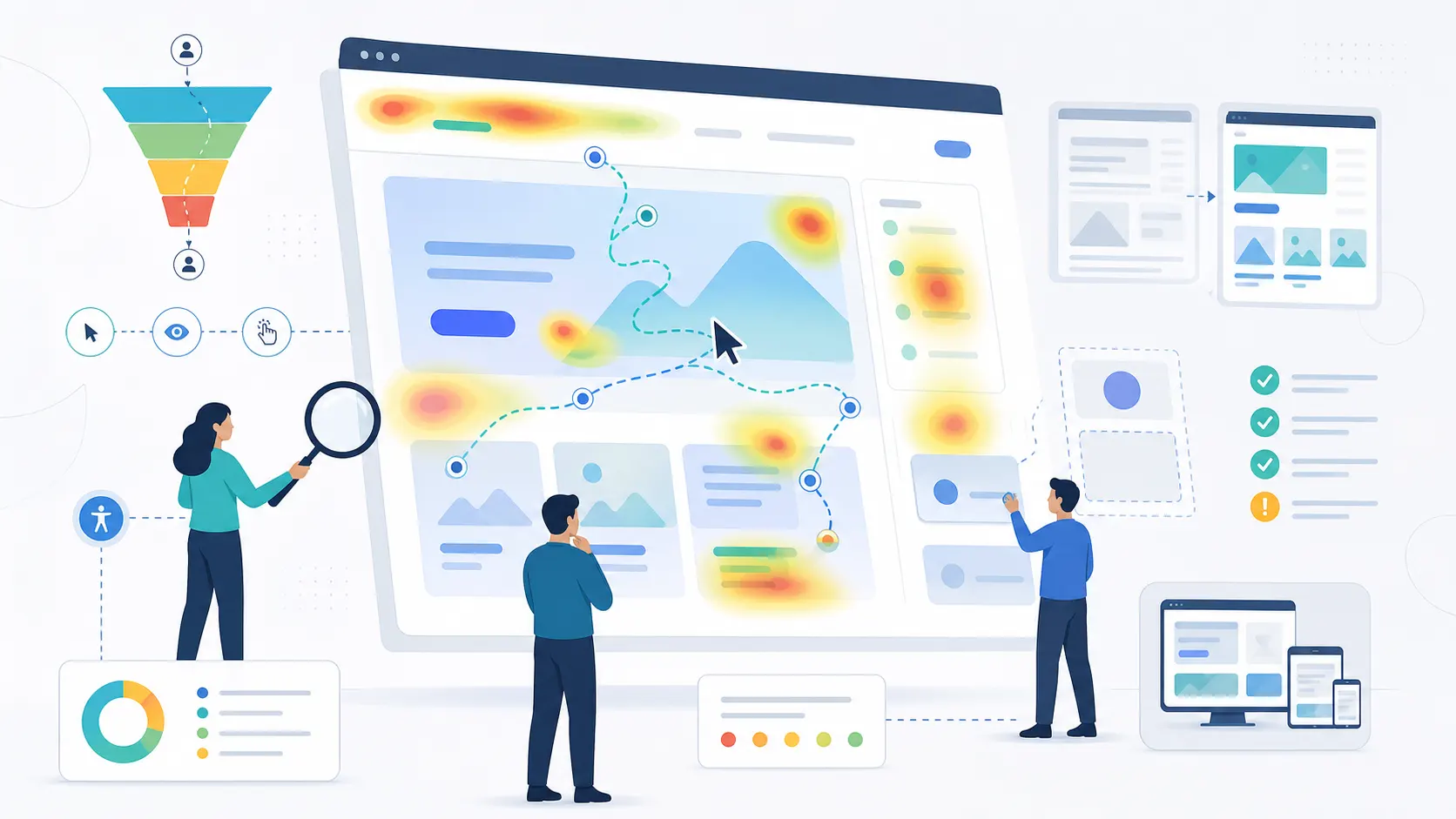
Website Usability Audit by NextDoorCoders — Boosting the Effectiveness of Your Web Resource
What's included in the usability audit
Structure and navigation analysis
We check menu logic, section visibility across devices, and how quickly users find the information they need.Forms and CTA review
We evaluate the placement of call-to-action buttons and how easy it is to fill out forms and other contact methods.Heatmaps and session recordings
We track where visitors actually click and scroll — real behavior data, not assumptions.Sales funnel analysis
We find the pages where users most often leave your site and the bottlenecks that lower conversion.Mobile version check
We separately analyze usability on smartphones and tablets — the place where you lose the most customers.Report with prioritized fixes
We document the problems found, their impact on conversion, and rank recommendations by criticality.Who Needs a Website Usability Audit
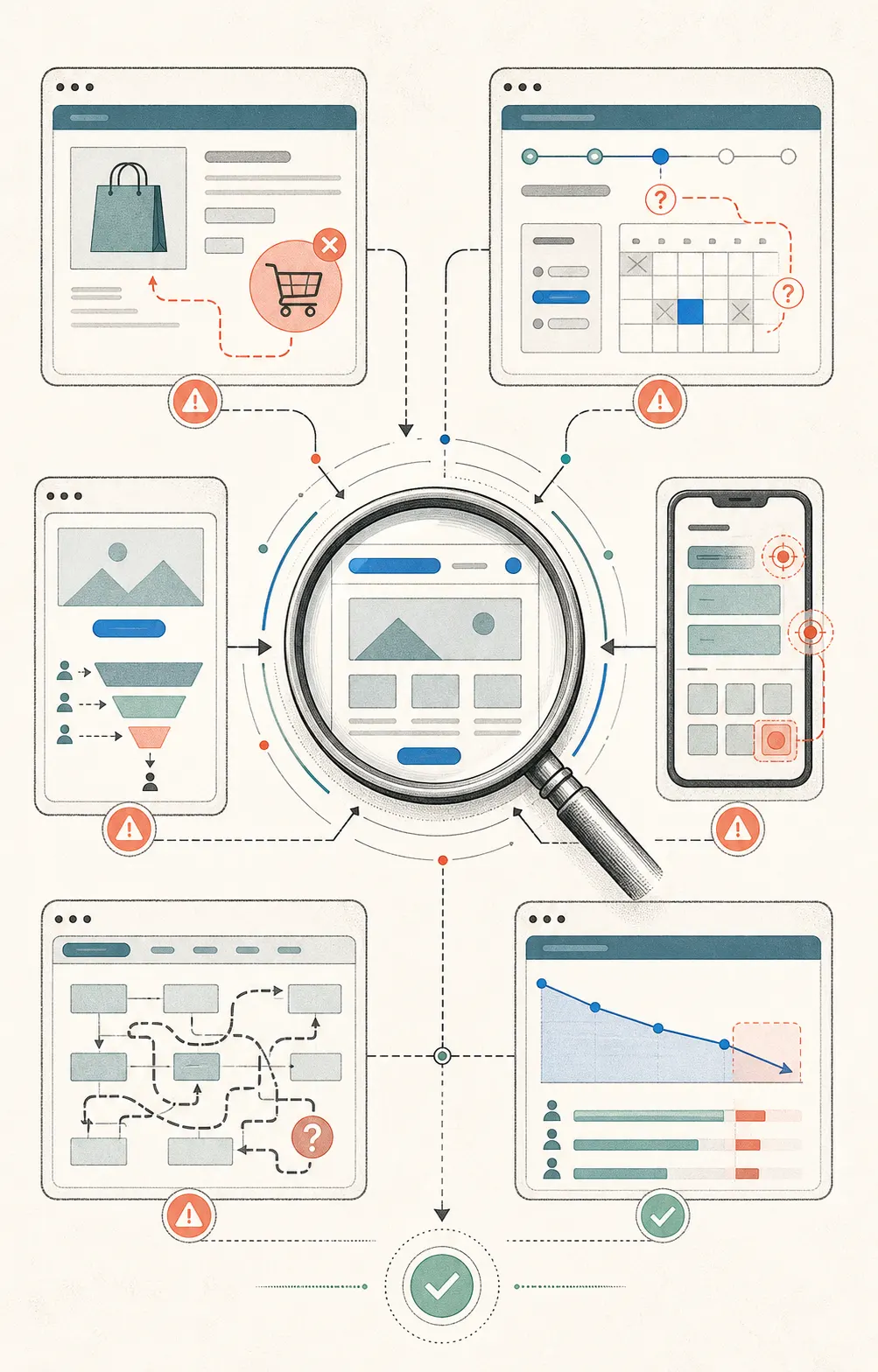
An audit is useful not only when a site is “broken” or looks outdated. Most often the need arises when a business starts to notice that the numbers don’t match expectations: fewer leads than there should be, and traffic isn’t converting into customers.
This is especially important before launching new features, redesigning a website, or scaling a business into new markets — so that changes are based on real user behavior, not assumptions.
- →Online stores with declining conversion
- →SaaS platforms before launching new features
- →Corporate websites that are losing leads
- →Businesses scaling into new markets
Problems the usability audit solves
Fewer leads than expected
The audit shows exactly where users leave your site without submitting a request or getting in touch.High bounce rate
We find the pages and elements that make visitors close the site before understanding your offer.Abandoned purchases
We review the checkout process and forms — the most common places where customers drop off.Ads that don't pay off
We find out whether the problem is your advertising or an inconvenient website interface.Redesign or new features without direction
We give you real user behavior data instead of guesswork before making changes to the site.Losing mobile traffic
We check whether the site is equally convenient to use on desktop and on smartphones.How the website usability audit works
We collect baseline data
We connect analytics, heatmaps and session recordings, and study your site's structure.
We analyze the user journey
We follow real visitors through every step — from the first screen to the payment form.
We check navigation, forms and CTAs
We evaluate menu logic, how easy forms are to fill out, and the placement of call-to-action buttons.
We compare desktop and mobile
We separately analyze user behavior across different device types.
We prepare a report with priorities
We document the problems found, their impact on conversion, and rank them by criticality: critical, high, medium, low.
We can fix the site if needed
Our team builds websites and CRMs in-house, so we can implement the recommendations ourselves.
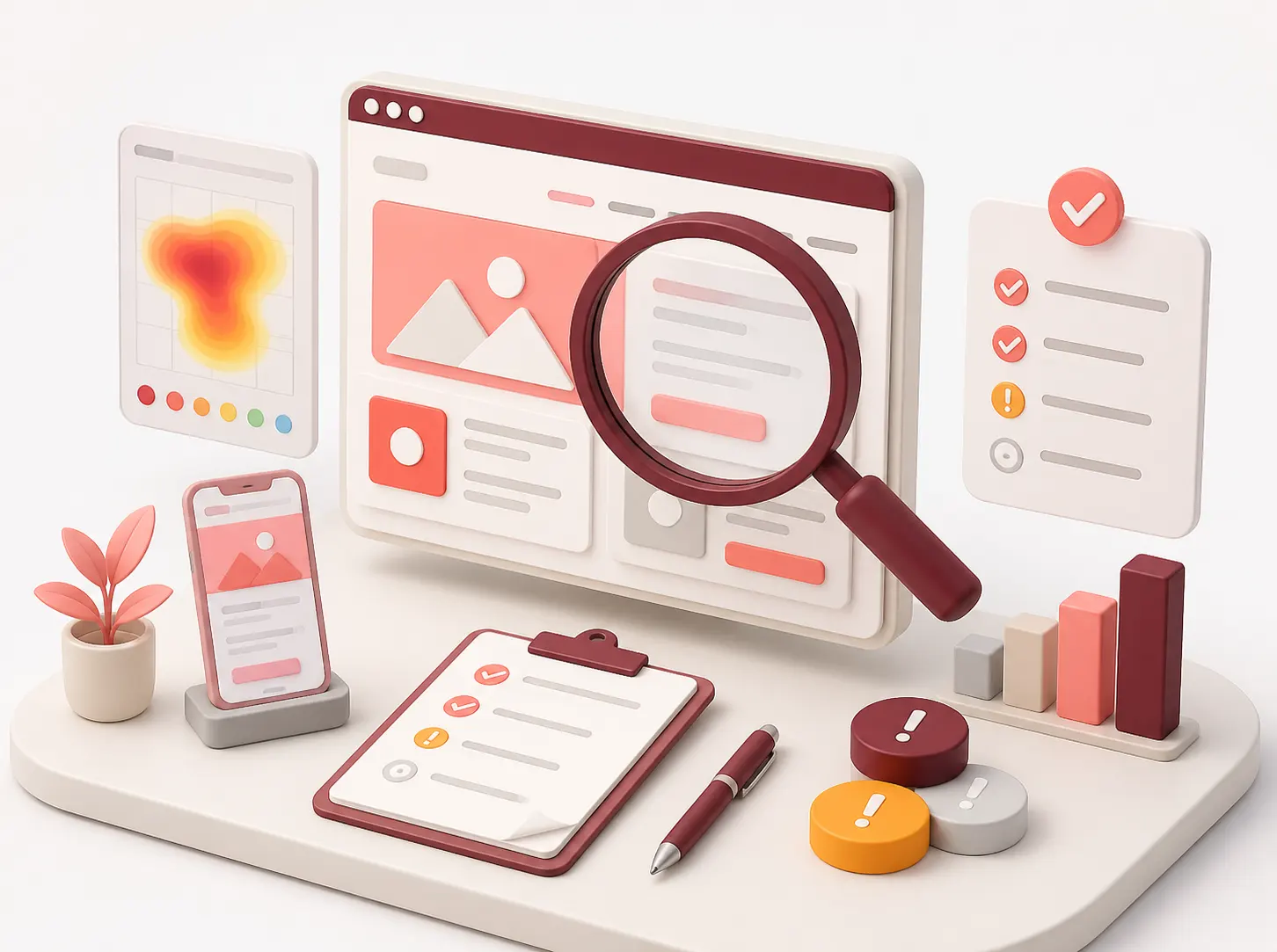
Why Choose Our Usability Audit
Data-driven analysis, not impressions
Heatmaps, session recordings, behavioral analytics, and UX heuristics — an objective picture instead of subjective impressions.A clear report with priorities
Recommendations are split by criticality level: critical, high, medium, low — so you know where to start.Experience across different niches
From landing pages to complex corporate resources, online stores, and SaaS platforms.We explain the impact on conversion
Every issue comes with an explanation of exactly how it affects your business metrics.We cover desktop and mobile versions
We check how the site performs on all device types, where customers are most often lost.Ready to improve your site after the audit
Our team also develops websites and CRMs, so we can implement the recommendations ourselves.
 Back-End (development)


 Front-End (web implementation)





 Payment integrations













 Integration with delivery





 Analytics and pixels




 Mailing systems


 Marketplaces, Feeds, CRM, Bots, and Messaging










 Flexible integrations
Turnkey website development from NextDoorCoders — creating quality websites for your business
We have been working with NextDoorCoders since 2023, and during this time we have been convinced of the high level of service provision and professionalism of the team. During this period, we managed to work both together at the sales stage (we closed seo at the development stage, the partner – site development), and as a team on projects, marketing activities, exchange of insights/hypotheses.
Our clients are grateful for the individual approach to each project, which makes cooperation even more effective. After all, the ability to choose a solution and technology and calculate various implementation options makes NDC quite flexible.
Thank you to Volodymyr and his team for quality, responsibility and joint movement towards the result! 🚀
We would like to separately note the ability to find solutions even in complex tasks – this is what truly distinguishes NextDoorCoders from others. The team does not just complete the task, but offers optimal options to achieve the best result. We were convinced of this on joint projects.
Openness to multifaceted partnerships has also allowed us to be active in marketing: implementing joint cases, being active in the infospace, and writing joint publications on social networks.
Such comprehensive cooperation allows us to be more competitive.



We have been working with NDC since the beginning of 2021. We had a task to find developers who would improve the functionality and support our project and several self-hosted websites. It took us a while to find specialists, as we were getting rejected because we were using an outdated framework. However, NDC stepped in to help, and we quickly agreed to cooperate.
At first, we successfully implemented the accumulated pool of tasks, and later we made a number of large-scale improvements together. Of course, as in any workflow, there were some issues that needed to be agreed upon, including task and time tracking and estimating the scope of work. However, thanks to our openness to dialogue and mutual interest, we managed to establish effective cooperation.
Now the volume of tasks for revision is not very large, but all support issues are resolved promptly and professionally. I consider our cooperation to be fruitful. I can safely recommend NDC as web developers. I wish them adequate customers and interesting large projects.
Our company, All-Ukrainian Management Systems, specialises in implementing and configuring business management systems. We help companies automate processes, increase efficiency and scale their operations.
One of the most frequent requests from our clients is the creation of B2B portals that allow them to optimise interaction with partners and customers, automate orders, improve process control, and reduce costs.
In such projects, we rely on our reliable partners, NextDoorCoders (NDC). This team has deep technical knowledge and practical experience in implementing B2B platforms. NextDoorCoders: professionals in their field, responsible, result-oriented, always offering the best technological solutions and effective teamwork.
Cooperation with NextDoorCoders is a guarantee of successful implementation of B2B projects. We confidently recommend them as a partner who does not just perform tasks, but creates effective business tools that bring real results.


About 6 months ago, we needed to finalise our new rentsoft.ua website, which was handed over to us in an unfinished form by our previous contractors. We decided to find a replacement for them, as the speed of task completion and communication were important to us. On recommendation, we were offered to work with NDC. The recommendation met our expectations.
The young team is very flexible in their approach to our requirements and changes in the priority of tasks. The guys are always ready to meet us halfway and, if necessary, prioritise an important task for us.
Constant daily communication and quick turnaround time have always given us a sense of confidence that the project is being handled and that the contractor values its customers.

I’ve been looking for smart and reliable specialists to improve my website for a long time, and I was finally lucky. The challenge was that the website was not developed by professionals and had numerous issues in its code, which made everyone unwilling to review it.
I communicate with Vladimir, and the tasks are solved as quickly and efficiently as possible.
It’s a pleasure to work with such people. Thank you very much!

We have been successfully working with NextDoorCoders since August 2024. During this time, they have provided fast and high-quality support, significantly improving our website’s performance and user experience through professional recommendations and ongoing technical support.



We have been cooperating with the NextDoorCoders web studio since the beginning of 2024. During this time, the studio has established itself as a reliable technical partner who is attentive to the client’s needs. The team regularly provides professional recommendations on improving the site, performs work on SEO-technical tasks and qualitatively refines the functionality.
All tasks are performed on time, with a responsible approach and good communication. In general, we are satisfied with the cooperation and can recommend NextDoorCoders as a competent and convenient contractor.


We have a pleasant experience of cooperation with the NextDoorCoders web studio, which has been helping us with the finalization of the site’s functionality since the end of 2024. The team is always in touch, responds quickly to requests and pays attention to all details. All tasks are performed qualitatively and within the agreed deadlines. We especially appreciate the ability to delve into the specifics of the business and offer appropriate solutions. Communication is easy, open and constructive. We sincerely recommend NextDoorCoders as a reliable partner in the field of web development.

We have been working with NextDoorCoders since 2021.
We ordered the development of a CRM for production process management from them.
The team understands business needs perfectly: they implemented a convenient system for accounting for orders, controlling production, and automating many routine processes. We are constantly improving the functionality together with them.
We recommend them as a technical partner who understands the specifics of production and business processes.

We collaborated with the NextDoorCoders team on the creation of our website and were very satisfied. The work was done quickly, clearly and qualitatively. All our wishes were taken into account, and corrections were made without unnecessary delays.
The team was always in touch, suggesting solutions and helping when we did not understand something. It is very pleasant to work with people who are not only knowledgeable in technical matters, but are also truly interested in the result. Communication was easy and comfortable.
The website works stably, looks modern, and we are already receiving positive feedback from clients. There were no difficulties during the cooperation.
Thank you to the team for their approach and professionalism! We will be happy to contact them again if we have the opportunity.


On behalf of our company, we would like to express our gratitude to the NextDoorCoders team for their cooperation in the implementation of several projects, including the European startup Cooontacts. This product is designed to solve the language barrier problem in Europe – to give businesses the opportunity to find customers in their native language and, conversely, to help people quickly find those who speak their language. The task was not easy, the development environment was quite complex, but all the necessary functions were implemented within the agreed deadlines.
We especially appreciate the team’s readiness for operational improvements: despite the fact that technical and business requirements changed during the work, the guys never refused to make changes and thoroughly understood each task. In addition to the purely software part, they deeply immersed themselves in our idea, offered their own concepts and solution options, which helped to improve the product and avoid many common mistakes.
As a result, we got not just contractors, but reliable partners with whom it is pleasant to work. Thank you NextDoorCoders for your professional approach, flexibility, and responsibility — we look forward to new joint projects.

NextDoorCoders has been providing technical support for our website for a long time. Working with them is convenient: they are always available, respond quickly to requests, and do everything accurately and without unnecessary reminders. We have been working together since 2021, and during this time, we have had no complaints. The team is responsible, attentive to detail, and simply pleasant to communicate with. We recommend them!

We have been working with the NextDoorCoders team for a long time. They were implemented for our website redesign, and now they are engaged in support and implementation of new tasks. Communication is always on the level, they respond quickly, everything is discussed simply.
I like that the team does not just perform the task, but also suggests how to do it more conveniently or efficiently.
Working with them is easy and pleasant. We are happy to have found such a wonderful and responsible team.

We have experience working with the NextDoorCoders team since 2019. We have always been satisfied with the results. They migrated the site and helped with smaller tasks, making the resource look modern and convenient to use. The team always listens carefully to our wishes and offers solutions that really work.
We especially appreciate the speed of response and open communication – this creates a feeling of reliable partnership. Over the years, we have been convinced of our professionalism and appropriate approach to the matter. This is cooperation that can be recommended to others.

We turned to NextDoorCoders to create a website for our nail service courses. They did everything efficiently and on time, and also offered their own ideas that helped improve the result. Cooperation was easy and pleasant – the team was always in touch and communicated openly.
We liked that they cared not only about the completion of the tasks, but also about the overall quality of the project. As a result, we received a modern and convenient website that we were satisfied with. We can recommend NextDoorCoders as reliable partners for any web projects.


NextDoorCoders created a modern, intuitive and functional website for us, which fully meets our business requirements.
All stages of work — from concept development to successful launch into production — were carried out with a high level of professionalism.
We would like to separately note our effective approach to communication, attention to the smallest details and ability to promptly resolve any issues.
After launch, the site remains supported by a team that ensures its stable operation and further development. We confidently recommend NextDoorCoders as a reliable technological partner for the creation and support of web projects.

We, Piranil Company, started cooperation with NDC in September 2025 and have been successfully working on the tasks since then.
The team has proven itself as a reliable partner who does not just fulfill requests, but really immerses itself in business processes.
We especially appreciate that they always offer several solution options and help to choose the optimal one.
Communication is fast, clear and without unnecessary bureaucracy, which greatly simplifies the workflow. There is a sense of responsibility for the result and a desire to do more than just “according to the specifications”. We are satisfied with the cooperation.

NDC developed a corporate website for us for logistics services, and we are completely satisfied with the result of cooperation.
The team professionally performed the layout, taking into account all our wishes.
Since the start of work in 2023 and after the launch – the site has been working stably, and technical support always responds quickly to our requests.
You can feel the responsibility, deep immersion in the project and a real desire to help achieve the best result.
We definitely recommend NextDoorCoders as a reliable partner for the development and support of web projects.

Our collaboration began when the team built our website from scratch in 2019, and they’ve been maintaining it ever since. Not only are they experts in their field, but they also genuinely care about the success of our store. Working with them is easy and a pleasure!


Working with the NextDoorCoders team was a smooth and pleasant experience. They assisted us with development on the OpenCart platform, were actively involved in the project, and were always available to communicate. We appreciated their responsible approach, clear communication, and attention to detail. All issues were resolved quickly and without any unnecessary complications. Thank you for your collaboration, and we wish them continued success and exciting projects!